When a tool says it “connects to Claude” or “works in ChatGPT”, the link is often built on MCP. The Model Context Protocol is an open standard that lets an AI app read data from other software and take actions in it. Approving one lets an AI app read and act in that service on your behalf, so it pays to know what you are saying yes to.
What MCP is, in one paragraph
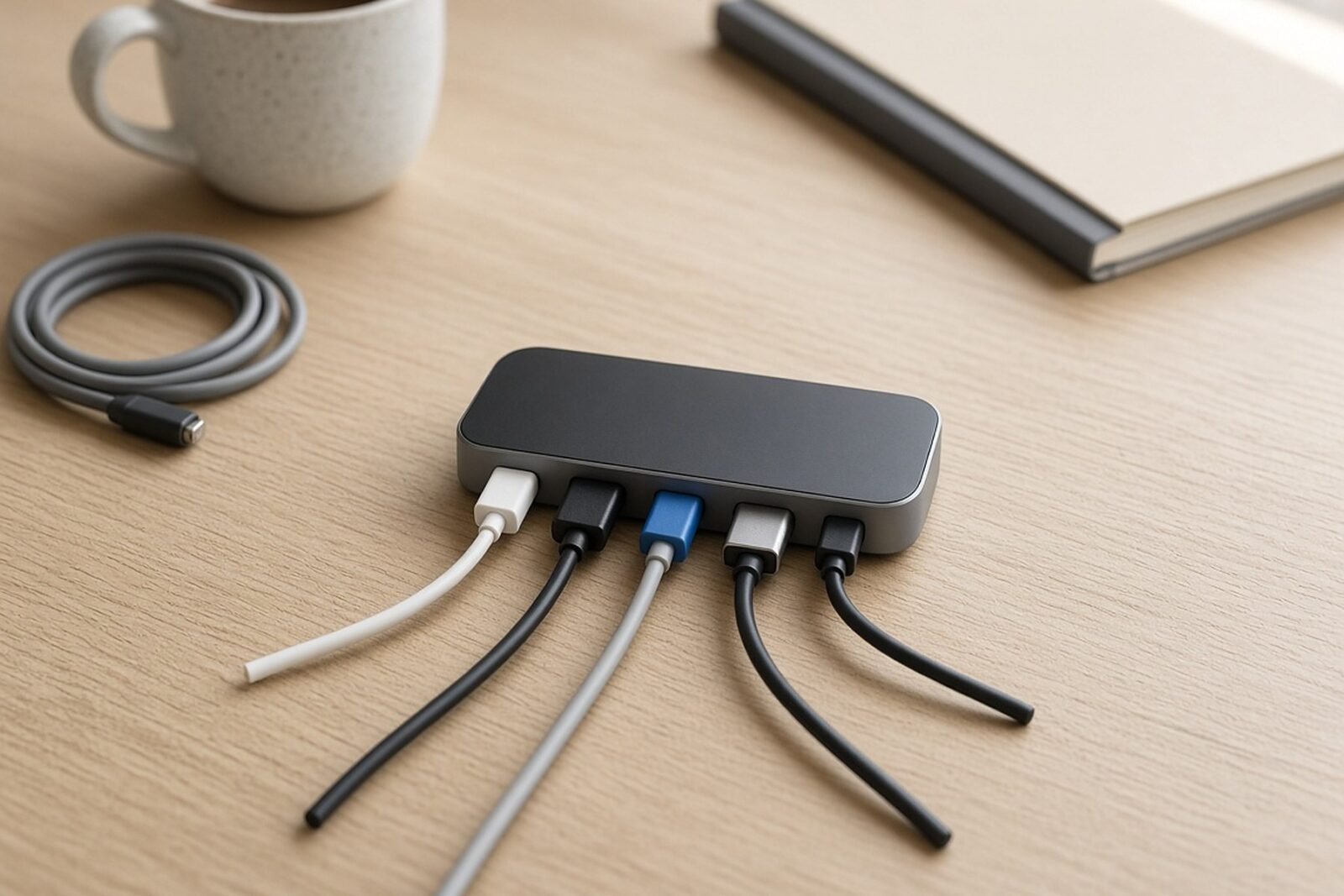
Anthropic released MCP as an open-source standard on 25 November 2024, with ready-made servers for Google Drive, Slack, GitHub, Git, Postgres and Puppeteer. Its pitch was simple: every new data source needed its own custom integration, and one shared protocol would replace that patchwork. The official site now lists Claude, ChatGPT, Visual Studio Code and Cursor among the apps that support it, and compares MCP to a USB-C port for AI apps.
Anthropic calls them connectors. OpenAI’s developer docs describe connecting an MCP server to ChatGPT as a plugin. Underneath, it is the same protocol.
The three parts: host, client, server
MCP’s architecture overview names three participants. The host is the AI app you use, such as Claude Desktop or VS Code. The host opens one client per connection, and each client talks to one MCP server. The server is the program that exposes a service, such as your project tracker or your file storage, in a form the AI can use.
Servers come in two kinds, and the difference matters for risk:
- A local server runs on your own computer, launched by the app. The filesystem server that Claude Desktop can start is the classic example.
- A remote server runs on the internet, usually hosted by the software vendor. The architecture page uses the Sentry server, hosted on Sentry’s own platform, as its example.
Remote servers are what most teams meet in Claude’s or ChatGPT’s settings: paste a URL or pick a listed app, then sign in.
What the AI can do once it is connected
An MCP server offers up to three kinds of things, according to the protocol’s server guide:
- Tools are actions the model decides to call on its own, such as searching flights, sending a message or creating a calendar event. Tools can write to databases, call outside services and change files.
- Resources are read-only data the app pulls in as context, such as a document, a database schema or a calendar.
- Prompts are saved instruction templates that you pick, such as “summarize my meetings”.
Tools are the part to watch. The guide calls them “model-controlled”: the AI can discover and run them without you naming them. The protocol leaves the safety net to the app, which can offer approval dialogs, pre-approved safe actions and activity logs. Whether you get them depends on the product.
How Claude and ChatGPT handle approvals
In ChatGPT, write actions need your confirmation by default, according to the same OpenAI guide. Any tool the server does not mark as read-only counts as a write. You can tell ChatGPT to remember an approval for the rest of one conversation, and a new conversation asks again.
Claude’s help page on custom connectors using remote MCP says to review tool approval requests. Click “Allow always” only for a server and tool you trust to run unsupervised. It also suggests switching off tools you do not need in a given chat.
How MCP differs from a plain API
An API (application programming interface) is how one program asks another for data or actions. Every company designs its own, so connecting an AI app to ten services used to mean ten separate integrations. That is the fragmentation Anthropic’s launch post described.
An MCP server usually sits in front of a service’s existing API and describes its abilities in one standard format. The app asks the server for its list of tools, each with a name, a description and typed inputs, and the model then picks which one to call. Any app that speaks MCP can use any MCP server without custom code for that pairing.
The practical difference for a team: with a plain API integration, a developer decided which calls run and when. With MCP, the model decides at run time, based on your request and the tool descriptions it reads. That flexibility is also why the descriptions themselves can be a security issue.
Where it can go wrong
The vendors are blunt about this. OpenAI’s guide warns that an untrusted server “may access or steal information shared through app use.” It adds that such a server could trick ChatGPT into using tools in unintended ways, “including changing or deleting data.” Anthropic notes that custom connectors can reach services it has not verified, and that Claude can then take actions in them.
The MCP project’s own guide to local server security lists the main threats:
- A local server is an ordinary program running under your user account. It can read your environment variables (where API keys often live), any file you can read, and open network connections anywhere. The guide says plainly that the local connection method, called stdio, “is not a sandbox”.
- Tool poisoning: tool names and descriptions are text the model reads as instructions, so a server can hide directions in them, including directions about how to use other servers’ tools.
- Rug pulls: a server can change its tool definitions after you approved it, so a one-time consent screen is not the end of the story.
- Prompt injection, meaning hidden instructions planted in content the AI reads, can push even an honest server into overreach with whatever access it has.
Every connected server also shares the same model context, the guide notes, so one bad server can influence how the model uses all the others. Each new connection widens the surface for the rest.
What team admins should know
On Claude, custom connectors are available on Free, Pro, Max, Ultra, Team and Enterprise plans, and Free users get one. On Team plans only Owners and Primary Owners can add a custom connector for the organization. Each member then connects with their own account, so Claude only reaches what that person can reach.
The exception is worth flagging. If a connector uses a shared credential such as an API key, Anthropic says everyone who uses it gets that credential’s access. Use a key limited to what members should see.
Remote connectors are reached from Anthropic’s cloud, not from your laptop. A server behind a VPN or company firewall will not connect unless you allowlist Anthropic’s IP ranges, and it must answer on the standard HTTPS port 443.
On ChatGPT, OpenAI’s MCP page for ChatGPT says a plugin packages an MCP connection, and each teammate installs and connects it with their own account. In Enterprise workspaces, the two permissions for publishing MCP-backed plugins are off by default, so an admin decides who can build them.
We covered how Claude Team and Enterprise now connect members to company apps on first use, which changes the sign-in step but not the permission questions above. AWS offers a concrete case: its agents can run Step Functions workflows over MCP, and you choose which operations become tools.
What to check before you say yes
- Who runs the server? A connector hosted by the software vendor itself is a different risk from a community project you found on a list.
- What does it ask for at sign-in? Claude’s guidance is to limit scopes where you can and deny access if the requested permissions look unnecessary.
- Which tools write? Open the tool list in the connector’s settings and switch off anything that sends, deletes or edits if you only need to read.
- Is the credential personal or shared? Shared API keys give everyone the same reach.
- How do you revoke it? Anthropic says you can disconnect a connector in Claude’s settings or in the other service’s security settings.
If the term “agent” in these settings is fuzzy, our plain explainer on what an AI agent is and where it fails is a good companion read.
What to do this week
Open the connector or plugin settings in every AI app your team uses and list what is connected. The MCP project’s own advice is the right first step: remove the servers you no longer use, and make sure you know where each remaining one comes from. Then, for each one left, switch off write tools nobody needs and replace any broad shared API key with one limited to what the connector actually has to touch.
Sources
- Model Context Protocol: What is MCP
- Anthropic: Introducing the Model Context Protocol (25 November 2024)
- Model Context Protocol: Architecture overview
- Model Context Protocol: Understanding MCP servers
- Model Context Protocol: Local server security
- Claude Help Center: Get started with custom connectors using remote MCP
- OpenAI developer docs: Add custom MCP server
- ChatGPT Learn: Model Context Protocol
Get the weekly email
The week's most useful AI news, a tutorial and an interview.

Anna Jakovleva
Anna Jakovleva is the senior editor for AI tools at AI Observer, leading coverage of agents and automation, design and product, and the site's tutorials. She worked in operations and product teams before joining, so she judges tools by setup time, cost and where they break. Her writing is hands-on and practical.
Spotted a mistake? Tell us on the corrections page.