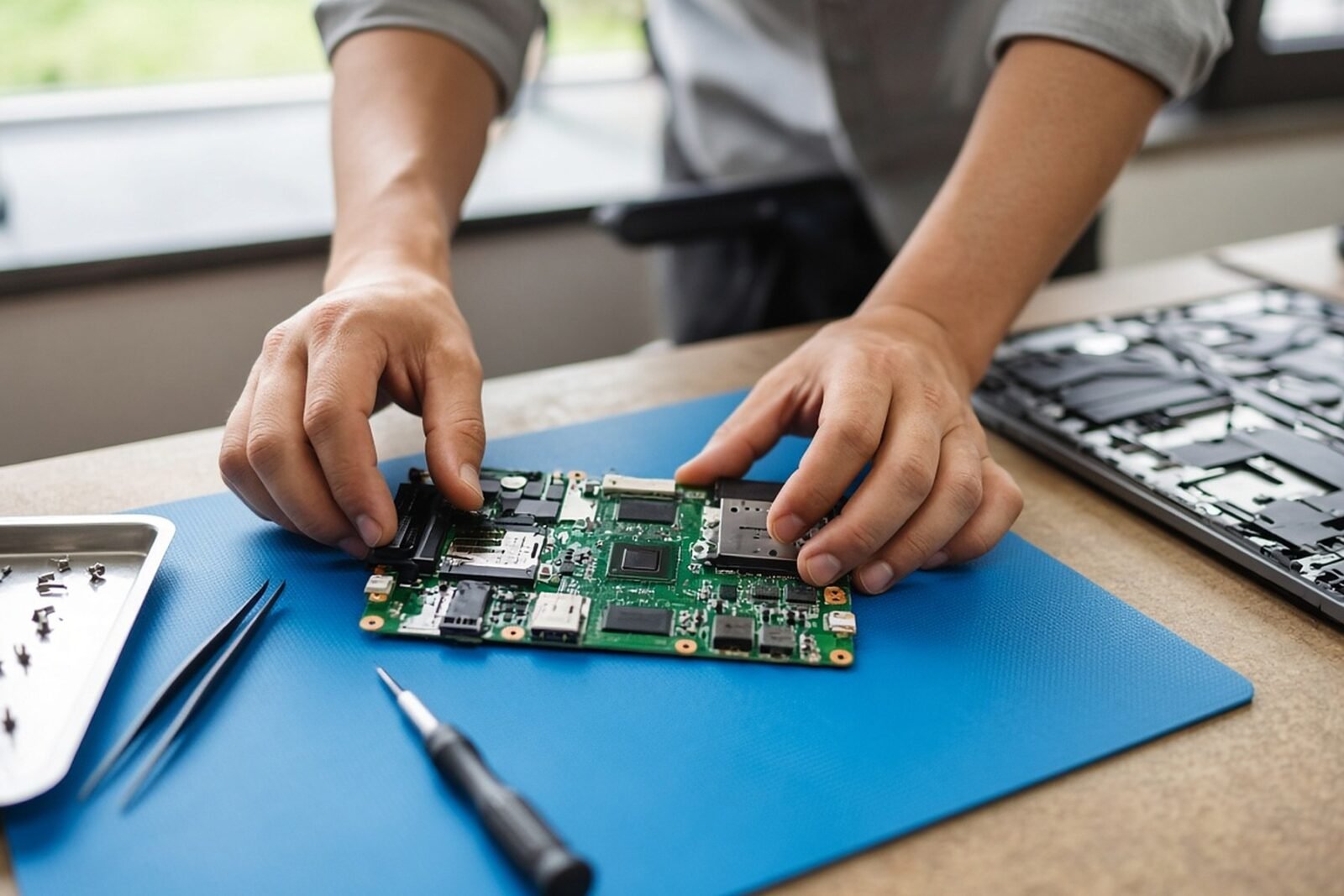
An NPU (neural processing unit) is a small, low-power block on a laptop processor built to run AI models that stay on in the background. A GPU (graphics processor) is the bigger, hungrier engine that still does most of the heavy lifting when you run a language model on your own machine. For a team choosing laptops, the NPU mostly buys battery life on calls and Windows features. The GPU and its memory decide how well a local chatbot runs.
The marketing makes this harder than it should be, because every vendor now quotes TOPS and the numbers are not measured the same way.
What each chip is built to do
A CPU (the main processor) is general purpose. It can run any AI model, but it spends a lot of its effort on flexibility. Google’s datasheet for its open-source Coral NPU design puts the problem plainly: general-purpose CPUs get much less compute per joule on AI work because they lack that specialization.
An NPU drops the flexibility. It is mostly a grid of multiply and add units fed by local memory, tuned for low-precision integer math, the arithmetic at the heart of a neural network. The Coral design, meant for watches and earbuds, does 256 multiply and accumulate operations per clock cycle with 32 KB of data memory. Laptop NPUs are scaled up to 40 TOPS and more, but the idea is the same.
A GPU sits in between. It has many small cores built for parallel math, and modern ones add dedicated AI units. Its real advantage for language models is memory: discrete laptop GPUs carry their own fast memory, and Apple’s chips give the GPU a wide path to a shared pool.
Intel’s own brief on its Core Ultra Series 3 processors splits the work the same way. It assigns the CPU to fast, low-latency jobs and the GPU to “high throughput” on large AI workloads, including language. The NPU gets “power efficiency for sustained AI workloads”.
What the spec sheets actually say
A current Intel laptop chip
Take one shipping part. Intel’s spec page for the Core Ultra 7 366H lists an NPU at 50 peak TOPS and the built-in GPU at 40 peak TOPS, both in INT8 (8-bit integer math). The chip launched in the first quarter of 2026.
The whole processor has a 25 W base power and up to 80 W in turbo. Memory is shared system RAM, up to 128 GB of LPDDR5X at 8,533 MT/s, and the page gives no bandwidth figure in GB/s.
So on paper the NPU here beats the GPU on the same chip. Intel also quotes up to 180 TOPS for the GPU and NPU together on its top Series 3 models. That is a sum of separate engines, and a single task does not necessarily use both.
A discrete laptop GPU
Now compare NVIDIA’s GeForce RTX 50 laptop line. NVIDIA lists the RTX 5090 Laptop GPU at 1,824 AI TOPS with 24 GB of GDDR7 memory and 896 GB/s of memory bandwidth. The smallest model in the table, the RTX 5050, is listed at 440 AI TOPS with 8 GB.
Those TOPS are not comparable to Intel’s. Tom’s Hardware’s launch coverage labels NVIDIA’s figures as FP4, a 4-bit format, while Intel quotes 8-bit. Halving the precision typically doubles the headline number on the same silicon. The same report puts the RTX 5090 Laptop GPU at 95 to 150 W, which is the cost of that speed in a laptop.
Apple’s approach
Apple does not quote TOPS for the Neural Engine in its March 2026 release for the M5 Pro and M5 Max. Instead it credits faster language models in LM Studio to the GPU, which now has a neural accelerator in each core, and to memory bandwidth. That is up to 307 GB/s on M5 Pro and up to 614 GB/s on M5 Max, which Apple links to “higher token generation for LLMs”.
The Neural Engine gets one line, about Apple Intelligence features. Apple’s performance claims come from its own tests on preproduction machines.
Why memory matters more than TOPS for chatbots
TOPS measures peak arithmetic. A language model writing an answer is usually limited by something else. To produce each token (a word or part of one), the chip has to read through the model’s weights in memory.
With made-up round numbers: if a model’s weights take 8 GB and the memory delivers 100 GB/s, the chip can read the whole model only about 12 times a second. That caps output at roughly 12 tokens a second, however many TOPS the chip claims. So for local chatbots, fast memory counts for more than a high TOPS figure. A GPU with its own 896 GB/s memory or an Apple chip at 614 GB/s has a head start.
Memory size sets a second limit. A model that does not fit in the GPU’s memory either will not load or slows sharply. Very large open models, such as the one trillion parameter Mistral Large 4, are far beyond any laptop and belong in a data center.
Where the NPU does help at work
The NPU earns its place on jobs that are small, steady and run for hours. Microsoft’s Windows 11 requirements page says an NPU uses less power than the CPU or GPU for AI tasks and lets features run in the background without slowing other work. Its examples are the ones office workers touch daily: Live Captions with translation, Windows Studio Effects for the camera, improved Windows search, Recall and Click to Do.
Two details on that page matter for buyers. Copilot+ PCs need an NPU of 40 TOPS or more, 16 GB of RAM and 256 GB of storage. But the basic Studio Effects, such as background blur and auto framing, run on NPUs of 10 TOPS or more. And several image features, including Paint Cocreator, still need an internet connection to Microsoft’s cloud services, so “on-device AI” does not always mean offline.
The practical win is battery life. A video call with background blur and captions running on the NPU leaves the CPU and GPU free, which matches how Microsoft describes NPU features that run in the background. The same logic drives edge AI in robots and cameras, where every watt counts, as in NVIDIA’s work on faster robot planning on Jetson Thor.
Where the GPU still wins
The GPU is usually the better choice for heavy jobs such as running a chat model locally, generating images or fine-tuning a model. Software support points the same way: Intel’s spec page lists WebGPU and DirectML support for its GPU but not for its NPU. We have not tested NPU support across local chatbot apps for this piece, so check the specific tool you plan to use.
The tradeoff is power. A laptop with a 95 to 150 W graphics chip needs more cooling and drains its battery faster under load. And neither chip replaces the data center GPUs that serve cloud models; those are a different class of hardware, as AMD’s first Helios racks show.
How to read a spec sheet
- Check the precision next to any TOPS figure, because INT8 and FP4 numbers cannot be compared directly.
- Be wary of “platform TOPS” sums, since one job may not use every engine.
- For local language models, look for memory bandwidth in GB/s and memory size first, then TOPS.
- For NPUs, check which software supports them; Intel lists OpenVINO, Windows ML, WebNN and ONNX Runtime for its NPU.
What to do this week
Write down the two or three AI jobs your team runs every day. If they are calls, captions and Windows features, a Copilot+ PC with a 40 TOPS NPU covers them and you can buy for battery life. If someone needs to run a chat model offline, budget for a discrete GPU with enough of its own memory to hold the model, or an Apple chip with high memory bandwidth. Test your actual model on one machine before you order in bulk.
Sources
- Microsoft: Windows 11 specs and Copilot+ PC requirements
- Intel: Core Ultra 7 processor 366H specifications
- Intel: Core Ultra processors (Series 3) solution brief (PDF)
- NVIDIA: GeForce RTX 50 series laptops specifications
- Tom’s Hardware: NVIDIA introduces RTX 50 laptop GPUs (7 January 2025)
- Apple: M5 Pro and M5 Max press release (3 March 2026)
- Google: Coral NPU datasheet
Get the weekly email
The week's most useful AI news, a tutorial and an interview.

Lars Strother
Lars Strother is the senior editor for models and hardware at AI Observer, covering models and research, chips and hardware, and robotics. He came to journalism from engineering and still reads the benchmark tables before the press release. His coverage is measured and skeptical, and he wants to know what was tested, on what, and against which baseline.
Spotted a mistake? Tell us on the corrections page.